Managed IT and security for CPA and tax firms
Client Tax Data Lives in More Places Than Your Portal
Your clients send you returns, Social Security numbers, and bank account details, and they assume all of it is guarded. The portal guards what sits inside the portal. We look after the mailboxes, laptops, and people that handle the same records once they leave it.
A 30-minute call. Straight answers. A short list of what to do next.
Where the sense of safety comes from
Most firms can point to the day they dealt with security. They bought a document portal, or an encrypted vault, or a file-sharing tool with “secure” in the sales deck. The vendor said the product was safe. The partners heard that the firm was safe, which is an understandable thing to hear.
The vendor was only talking about the product.
Think about what sits outside it. Portal notifications and password resets go to an ordinary mailbox. A preparer takes a laptop home and joins the hotel network on a weekend trip. A finished return gets saved to a Downloads folder and stays there for three seasons. None of this is carelessness. The firm secured the one thing a vendor sold it and assumed the rest would be fine.

Client data sits in three places, and firms usually guard one
1. The portal and your tax software
This is the layer you already paid for, and it works. The catch is that it trusts whoever signs in. A preparer who reaches the portal through a compromised mailbox, or from a home computer nobody manages, brings the problem in with them.
2. Email and cloud accounts
The inbox is the first thing an attacker goes after, because so much runs through it: password reset links, conversations with clients, notices from every other system you use. Someone who controls a partner’s mailbox rarely needs to break anything else.
3. Laptops, desktops, and phones
Wherever a preparer works, client records follow, whether that is the office or the kitchen table. A personal laptop with no protection, returns stored on its drive, and a public network is a breach waiting for a date.
Each layer leans on the other two, so a hole in one exposes all three. Defendrs secures them as a set.
More than one party is writing your security rules
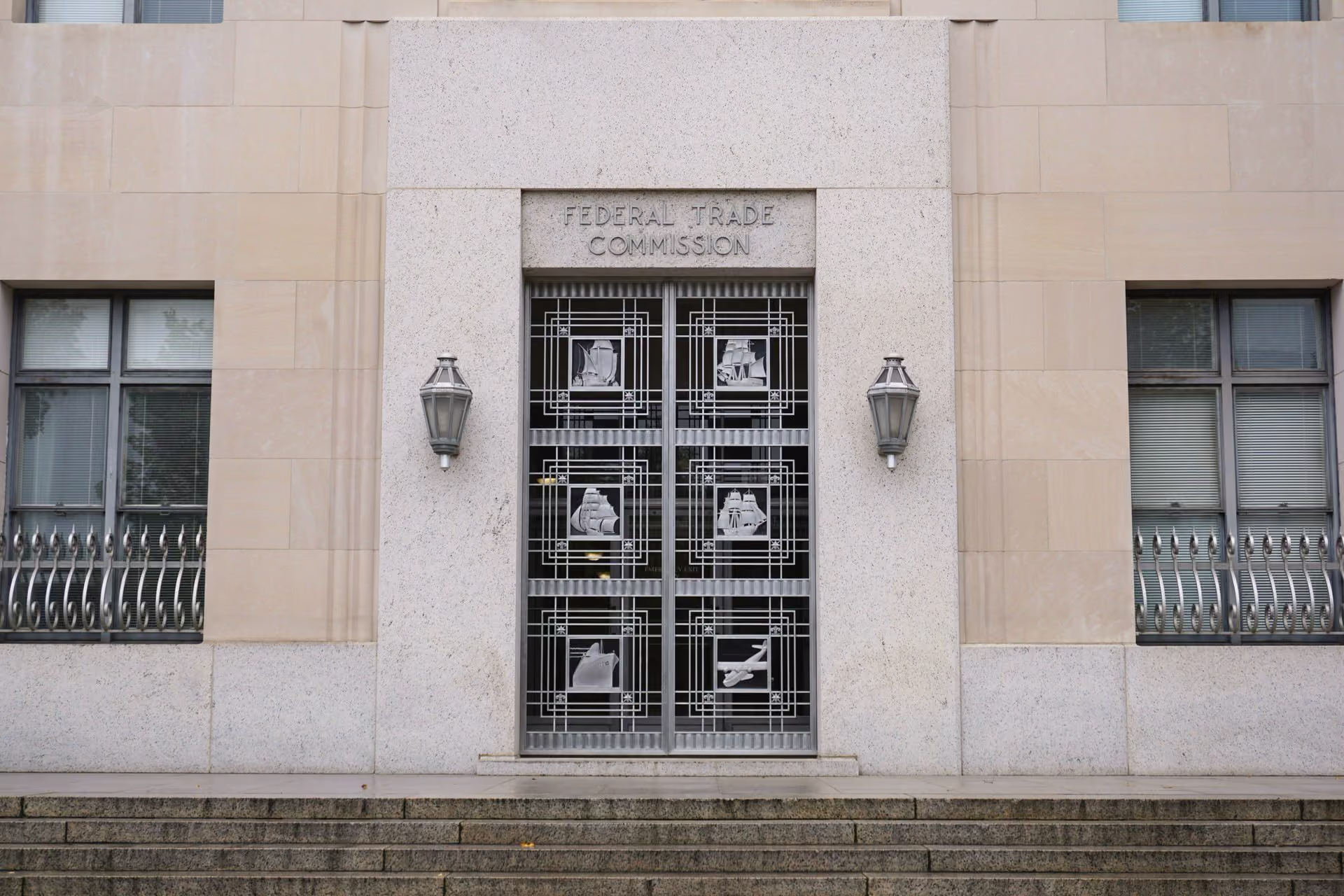
Your firm answers to several rule-makers at once. Under the FTC Safeguards Rule, tax preparers count as financial institutions and must keep a written information security plan. State breach-notification laws sit on top of that. Your cyber insurer wants MFA, managed computers, and backups you can prove work before it will renew. Larger clients now send a security questionnaire before they send a single file.
Nobody tends to mention how much these lists repeat each other. Strip away the formatting and almost every one asks the same few things: who can get to client data, from which equipment, with what protections, and how you can show it.
So we build one program that answers all of them. The safeguards are real, they are monitored, and the documents describe the setup you really have. When the renewal form, the client questionnaire, or an examiner shows up, you pull the answers from a file instead of writing them from memory.
Six questions worth asking yourself
Forget the software you own and the contracts you signed for a minute. How many of these could you answer today without checking with someone?
Does every mailbox, tax application, and cloud folder require multi-factor authentication (MFA), with nobody exempted?
Who can open client tax and financial records, and from which computers and phones?
If a laptop or phone disappears, is the drive encrypted, and can you wipe it from a distance?
Before you release documents or act on a payment request, what do you do to confirm the client is who they say they are?
If ransomware locked every file this morning, how many days until you are back at work? When was a backup last restored as a test?
Is the firm in line with the FTC Safeguards Rule, and is your written information security plan (WISP) based on the guidance in IRS Publication 4557?
Count the ones that made you pause. Most firms land on two or three. That is a work list, and work lists get finished.

Signs your firm has gaps
The WISP started life as a template someone downloaded, and it still reads that way.
Employees or seasonal preparers work on returns from their own computers.
Everyone is confident in the portal. Nobody can say the same about the mailboxes.
MFA is on for some applications and off for others, and no list says which.
Returns and source documents get saved to local drives, with no policy either way.
Some of the security answers on your last insurance application were educated guesses.
Common questions
We are a small firm. Would anyone really target us?
Yes, and on purpose. A small firm holds the same valuable taxpayer data a large one does, and it usually has far less defending it. That makes it the better target. Our programs are built for CPA firms of 5 to 20 people: the compliance and protection a much larger firm would have, without the overhead that normally comes with it.
We already pay for a secure portal. What is missing?
The portal looks after whatever is stored in it. Break-ins usually begin somewhere it cannot see, such as a mailbox with no MFA, a preparer’s personal laptop, or a return that has been sitting in a local folder since last April. Guarding those was never part of the portal vendor’s job. It has to be part of someone’s.
We have an IT person who takes care of everything. Where does Defendrs fit?
Your IT person keeps the computers running and the software current, and that is a full job. Drafting a WISP, watching for intruders, and handling the call with your insurer take different skills. We pick up those duties and work alongside your IT person, who carries on with day-to-day support.
Is a WISP required for us, and can Defendrs write it?
It is required, and we can. The legal obligation comes from the FTC Safeguards Rule, which treats tax preparers as financial institutions. IRS Publication 4557 supplies the guidance and Publication 5708 provides a sample plan. Your PTIN renewal asks you to confirm that a plan exists. We write the WISP to match how your firm works, put the safeguards it describes in place, and revise it every year.
Clients have started sending security questionnaires. Can you take those on?
Yes. We fill them out on your behalf and fix whatever compliance gaps they turn up. We also supply the documentation your enterprise and institutional clients ask for, so they have what they need to keep sending you work.
Your clients assume their data is well guarded. Make that true.
People gave your firm the details of their financial lives. Spend 30 minutes with us and you will know whether the systems behind that trust hold up.